Free A4 label templates
Printing your own designs on our blank label sheets? Download the template for your labels and your printing will line up with every label on the sheet. Each one comes as a Word document, a PDF and pictures you can use in any design program. Free to download, no sign-up.
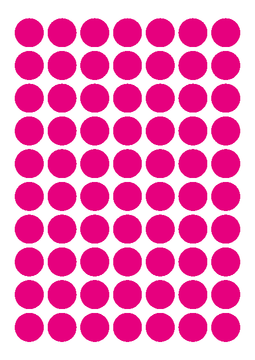
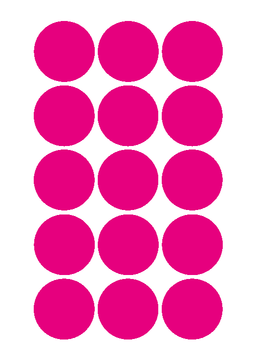
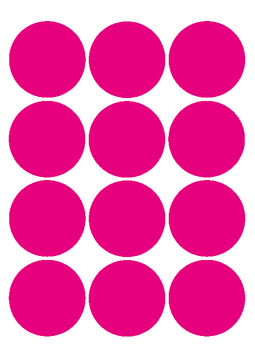
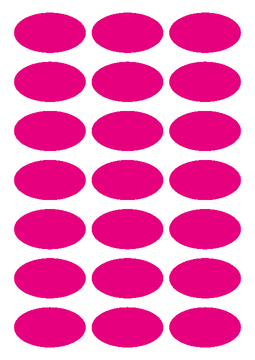

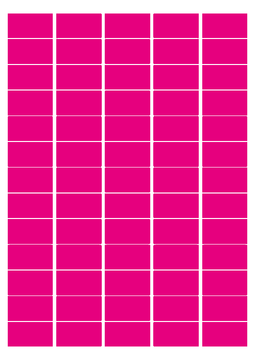
Rectangle 38 x 21mm
38 x 21mm, on A4 sheets
PDFPNGJPG497 KB
Download template
Buy these blank labels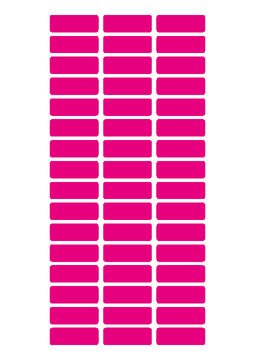
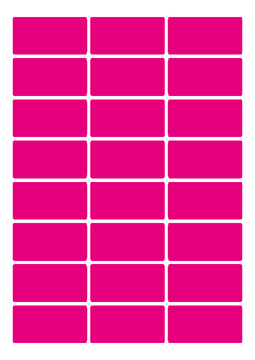
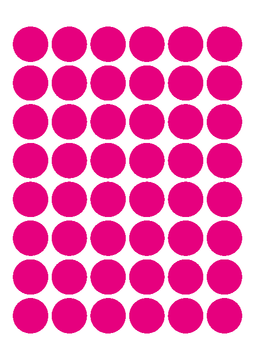
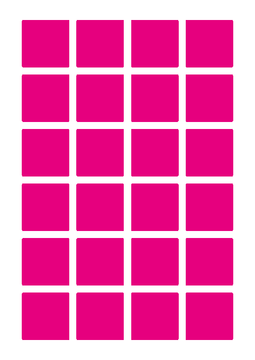
Rectangle 64 x 34mm
64 x 34mm, on A4 sheets
PDFPNGJPG815 KB
Download template
Buy these blank labels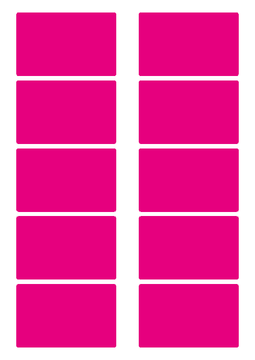
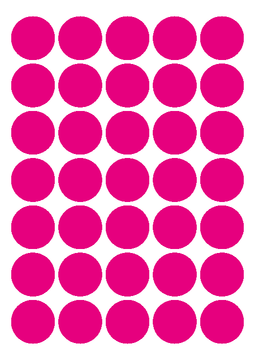
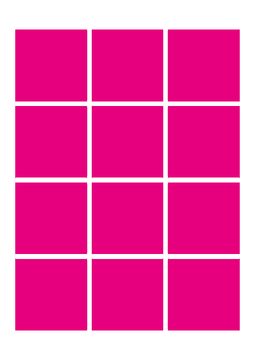
Rectangle 83mm x 53mm
83 x 53mm, on A4 sheets
WordPDFPNGJPGPSD844 KB
Download template
See our blank labels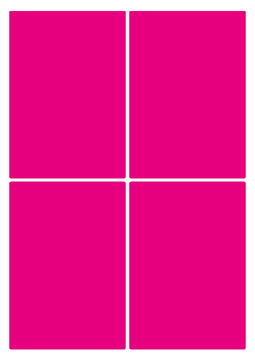
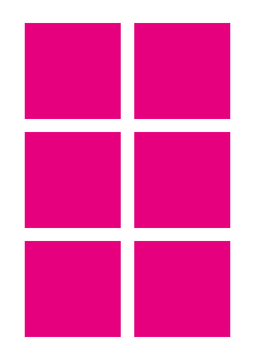
Rectangle 99 x 139mm
99 x 139mm, on A4 sheets
PDFPNGJPG327 KB
Download template
Buy these blank labels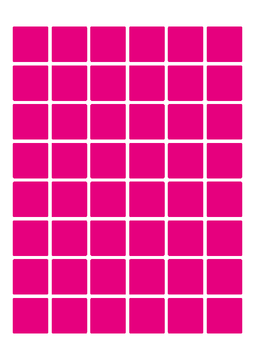
Which file should I use?
- Word (.docx)
- The easiest: open it in Word, LibreOffice or Google Docs and type or add pictures straight into each label.
- To check the layout, or to use as a guide layer in design programs such as Illustrator or Affinity.
- PNG and JPG
- The sheet as a picture at full A4 size, to put underneath your design in Photoshop, Canva, GIMP and the like. Hide it before you print.
Getting a perfect print
- Print a test on plain paper first, then hold it against a label sheet up to the light to check it lines up.
- Print at 100% or Actual size. "Fit to page" shrinks the layout and the labels will not line up.
- Set the paper size to A4, and choose a label or heavy paper setting if your printer has one.
- Keep the important parts of your design a little in from the edge of each label.
Rather we printed them for you?
Send us your design and we'll print your labels for you.
Printed labels